Key Takeaways
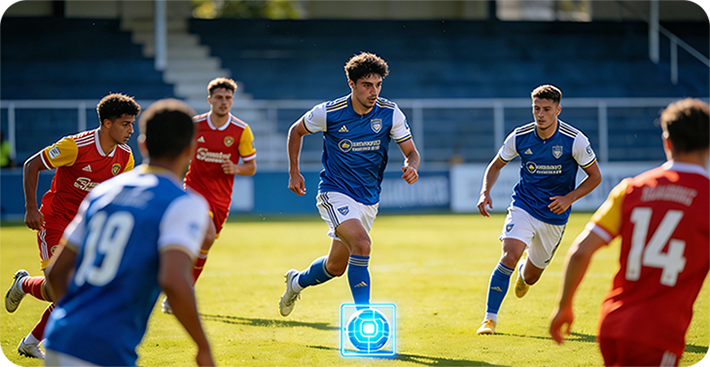
- AI auto-tracking football cameras (including Veo and similar) occasionally lose the ball during fast plays, long passes, long shots, or when balls from adjacent pitches roll onto the field.
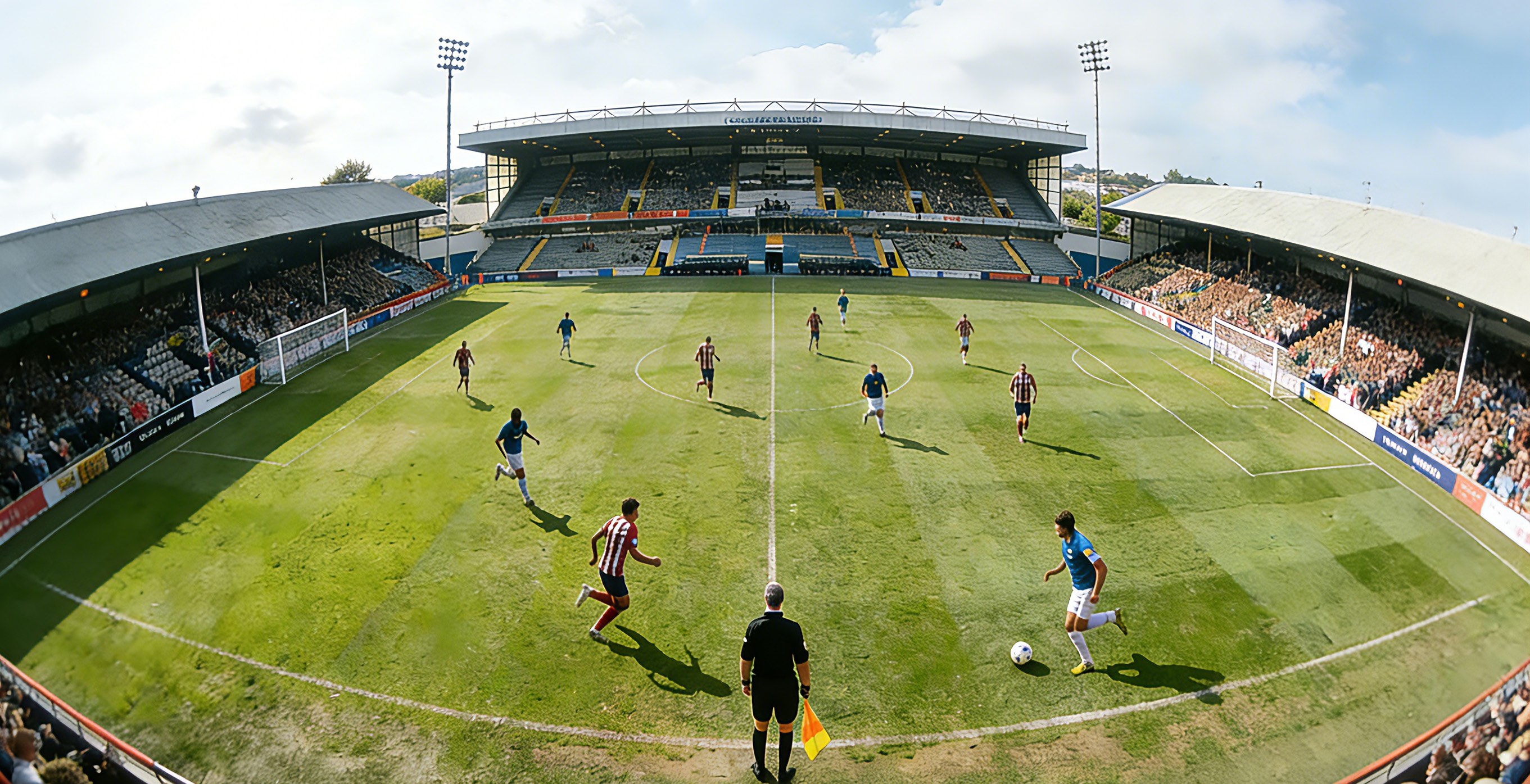
- OWLREC records a 180° panoramic video first, so no moment is ever missed.
- After the match, you can manually adjust the viewing angle on your phone to fix any AI tracking errors.
- Everything runs locally on your phone—no cloud upload, no subscription fees.
AI auto-tracking football cameras promised to revolutionize match recording. For the most part, they deliver—until the moment they don't. Every coach, player, and parent who has used one has a story about the camera losing the ball at exactly the wrong time. In this article, we break down why AI tracking fails, what happens when it does, and how OWLREC's hybrid approach of 180° panoramic recording plus manual view adjustment makes lost footage a thing of the past.
The Promise and the Problem of AI Auto-Tracking
Modern AI football cameras like Veo, Pixellot, and OWLREC use computer vision to automatically follow the action on the pitch. The promise is compelling: set up the camera, press record, and walk away with a broadcast-quality match video—no camera operator required.
But the reality is that on-field action is chaotic and unpredictable. Even the best AI algorithms occasionally lose track of the ball. The most common failure scenarios include:
- Long passes and long shots: A 40-yard cross-field pass or a powerful long-range strike moves the ball faster than the camera's pan/tilt mechanism and tracking algorithm can react. The ball exits the frame before the AI catches up.
- Sudden direction changes: Quick transitions from defense to attack, or sharp cutbacks, can leave the tracking algorithm a beat behind the play.
- Stray balls from adjacent pitches: On busy match days at multi-pitch facilities, a ball from a neighboring game may roll onto your pitch. The AI may momentarily lock onto the wrong ball, breaking tracking continuity.
- Crowded penalty areas: When 10+ players cluster in the box during a set piece, the ball can be obscured, causing the tracker to drift or freeze.
- Restart confusion: After a goal, foul, or throw-in, the ball is stationary and then suddenly back in play. Some algorithms struggle to re-acquire the ball after the pause.
The Real-World Consequence: Missing the Moment That Matters
Here's the painful part. The moments when AI tracking fails are often the very moments you bought the camera to capture—the stunning long-range goal, the breathtaking solo run, the dramatic late winner. There is nothing more frustrating than reviewing your match footage only to discover that the camera was pointed at empty grass during your team's best moment of the season.
For amateur and semi-pro teams especially, you don't get a second take. You can't call the players back onto the pitch to recreate the goal. The moment is gone—and so is the highlight reel you wanted to share with sponsors, scouts, or social media.
This single failure mode is why many teams remain skeptical of "AI cameraman" solutions despite their obvious convenience. The tracking mostly works—but "mostly" isn't good enough when the missed 5% contains your best goal of the year.
OWLREC's Solution: 180° Panoramic + Manual View Adjustment
OWLREC takes a fundamentally different approach to the tracking-loss problem. Instead of betting everything on the AI getting it right in real time, OWLREC decouples capture from framing. Here's how the workflow works:
Step 1: Record Everything with 180° Panoramic Video
Like market leaders such as Veo, OWLREC uses an ultra-wide 180° lens to capture the entire football pitch in a single frame. Because the full pitch is always being recorded, there is no possibility of "missing" the action—the goal, the run, the save, the sideline celebration—it's all in the panoramic footage, guaranteed.
This is the critical safety net. No matter how the AI performs later, your raw material is complete.
Step 2: Export to Phone & Generate AI Auto-Tracking
After the match, you export the 180° panoramic video directly to your phone. The OWLREC app then uses on-device AI to generate an auto-tracked broadcast-style video—panning, zooming, and following the play just like a human camera operator would.
This gives you the convenience of AI auto-tracking and the safety of having the full panoramic master available for correction.
Step 3: Manually Adjust the View Anywhere, Anytime
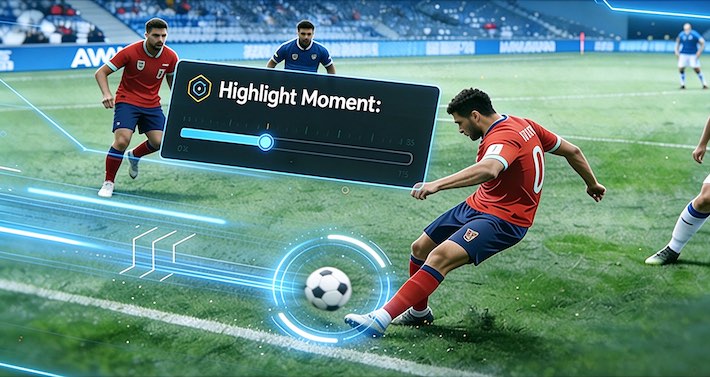
Here's where OWLREC pulls ahead of the competition. When you review the AI-tracked video and spot a moment where the tracking was off—a missed long pass, a drifted frame during a goal, or a moment where the AI locked onto the wrong ball—you can simply manually adjust the viewing angle for that segment.
- Fix tracking errors: Repoint the virtual camera to where the action actually was.
- Capture sideline stories: Spot a wild sideline celebration after a last-minute winner? Pan over to the bench and fans to capture the emotion the AI would never prioritize.
- Reframe for tactics: Zoom out to show the full tactical shape of a build-up, or zoom in on a single player's movement for coach analysis.
- Multiple angles from one recording: Produce different cuts—a fan-focused highlight, a tactical analysis clip, a player-development reel—all from the same 180° master.
The result: you get the convenience of AI auto-tracking with the control of a human operator—best of both worlds.
Conclusion
AI auto-tracking is a genuinely transformative technology for football recording—but only when it works. The stubborn reality is that on-field chaos will always produce edge cases where pure AI tracking falls behind the play. For teams that cannot afford to lose their best moments, a pure "trust the AI" approach is a gamble.
OWLREC resolves this gamble by combining the best of both worlds: 180° panoramic capture ensures nothing is ever missed, AI auto-tracking delivers the convenience of an automated camera operator, and manual view adjustment gives you a human override for the moments that matter most. All of it runs on your phone, with no cloud upload and no subscription fee.